iOS
Simply: Country Tracker
Track how many countries you’ve visited and customize how the map looks.

Features
See the world your way
- Add unlimited countries
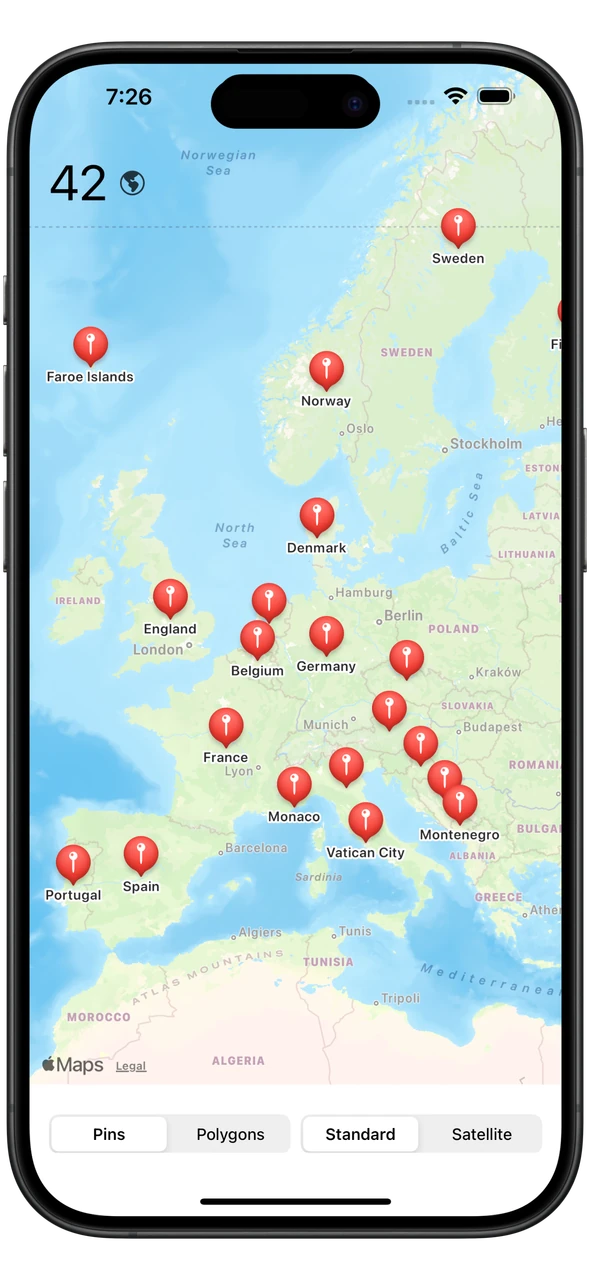
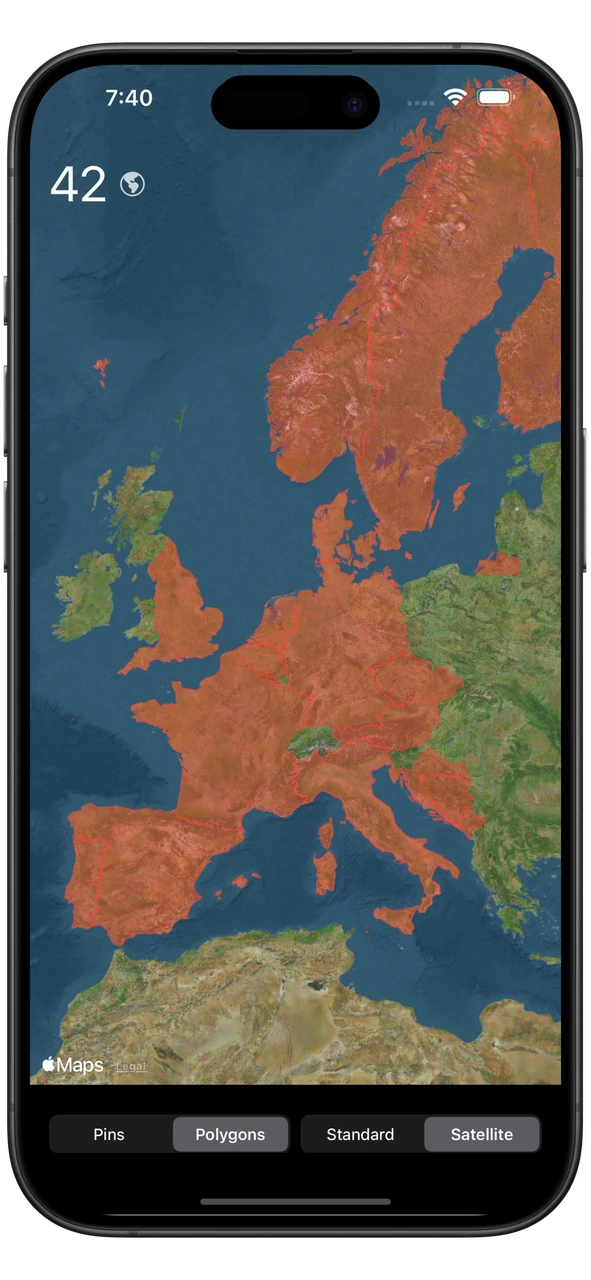
- View countries on a map with either pins or filled shapes
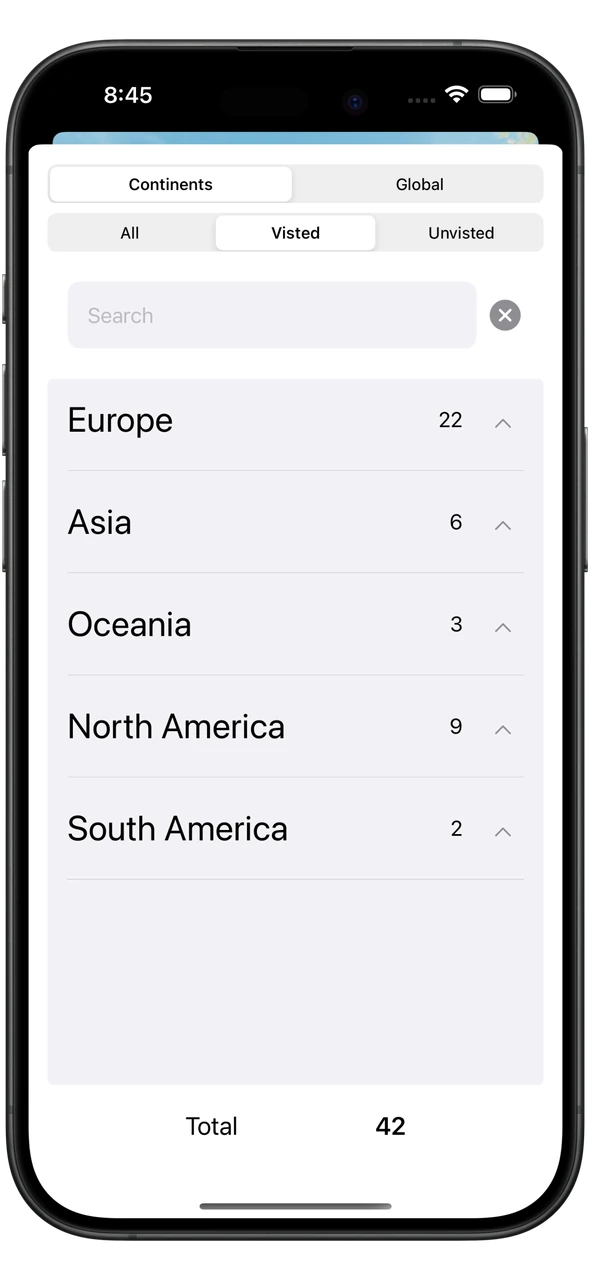
- See how many countries and continents you’ve been to
- Dark mode respects your system settings
Support
FAQs
How do I add or remove a country?
On the Main Screen of the app (where you see the Map view) you can tap the number/globe icon in the top left corner. You can then search for new countries to add or view visited countries to remove them.
Why is a country missing?
I use data provided by Natural Earth for both "Countries" and "Map Units". Some constituent countries and overseas regions are split out (e.g., England, French Guiana) but not all variations are represented for simplicity.
Feature requests or bug reports? Email contact@maxgooding.com.
Privacy
Privacy Policy
I do not collect any personal data through regular usage of this application. Read the Privacy Policy here.